

Connect Renowned. Automate Your Reviews.
Connect the transaction platform you already use, like SkySlope, Dotloop, Transaction Desk, or BoldTrail. API Nation sends each closed deal to Renowned so review requests can go out automatically. Keep the connection you already have—no separate feed or export to manage.

How It Works
Close the deal in your transaction management system (TMS) → Renowned automatically sends the review request → Your client leaves a review → Renowned puts it to work across your profile, website and social → You show up when clients search Google or ask AI tools like ChatGPT.
Watch the SkySlope setup demo
Top Automations for Renowned
Reviews are one of the top signals Google and AI tools use to decide who to recommend. Agents with 100+ reviews are read by AI more than twice as often as agents with under 50. Every closing you sync is another chance to build that number.
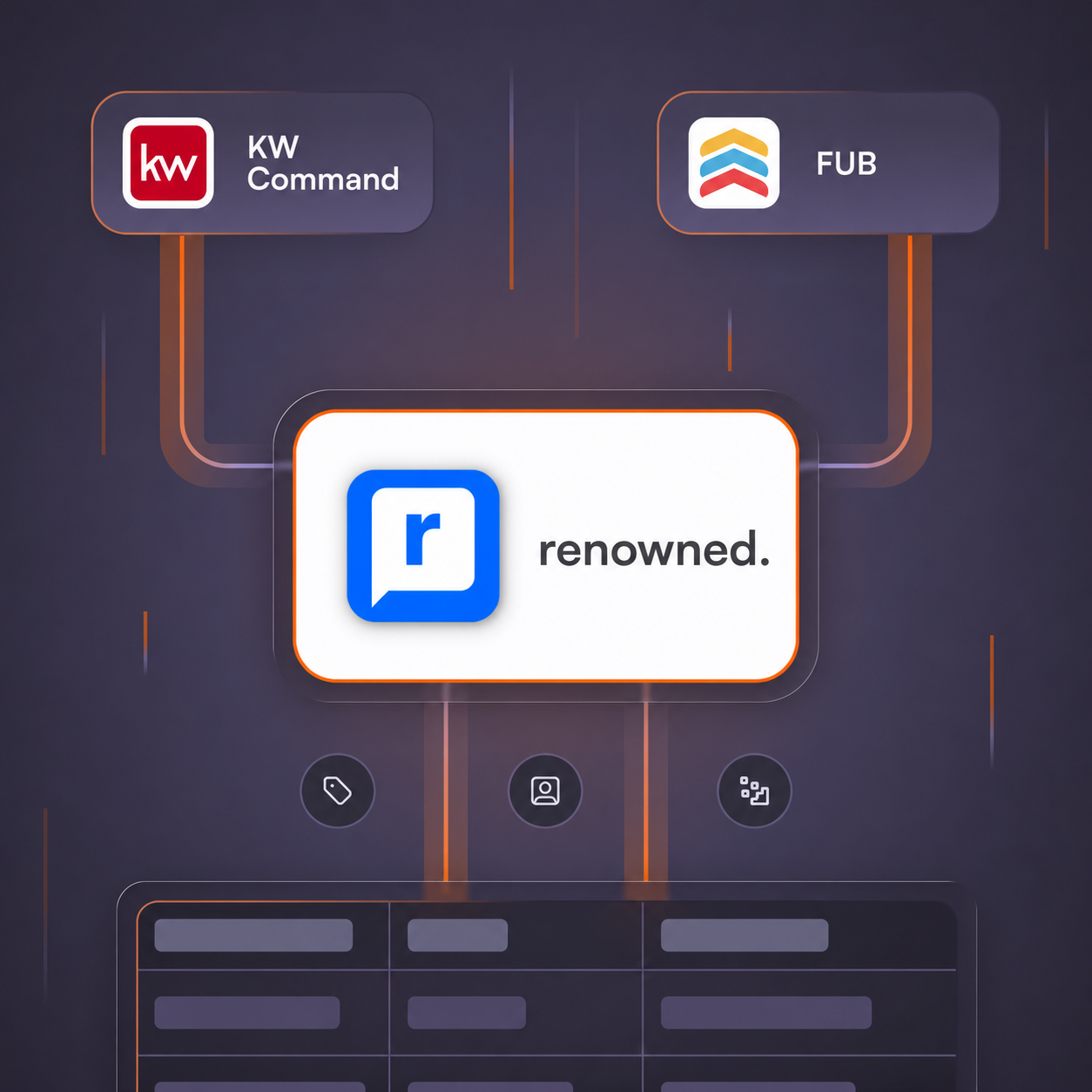
From Manual to Automatic
If you already send closed deals into Renowned manually, you can keep doing so. Connect the transaction platform you already use, like SkySlope, Dotloop, Transaction Desk, or BoldTrail, and API Nation sends closed deals to Renowned so review requests can go out automatically. No logging in twice or typing it in by hand.
The workflow runs alongside the connection you already have, without a separate feed or export to manage.
Transaction & Back-Office Sync
Trigger the review request from transaction platforms you close deals in, like SkySlope and Dotloop, using their closing data.
- Escrow date
- Actual closing date
- Sale price
- Deal status
These details carry over when a transaction is marked closed. One connection covers your closings in that platform, with no per-transaction setup.

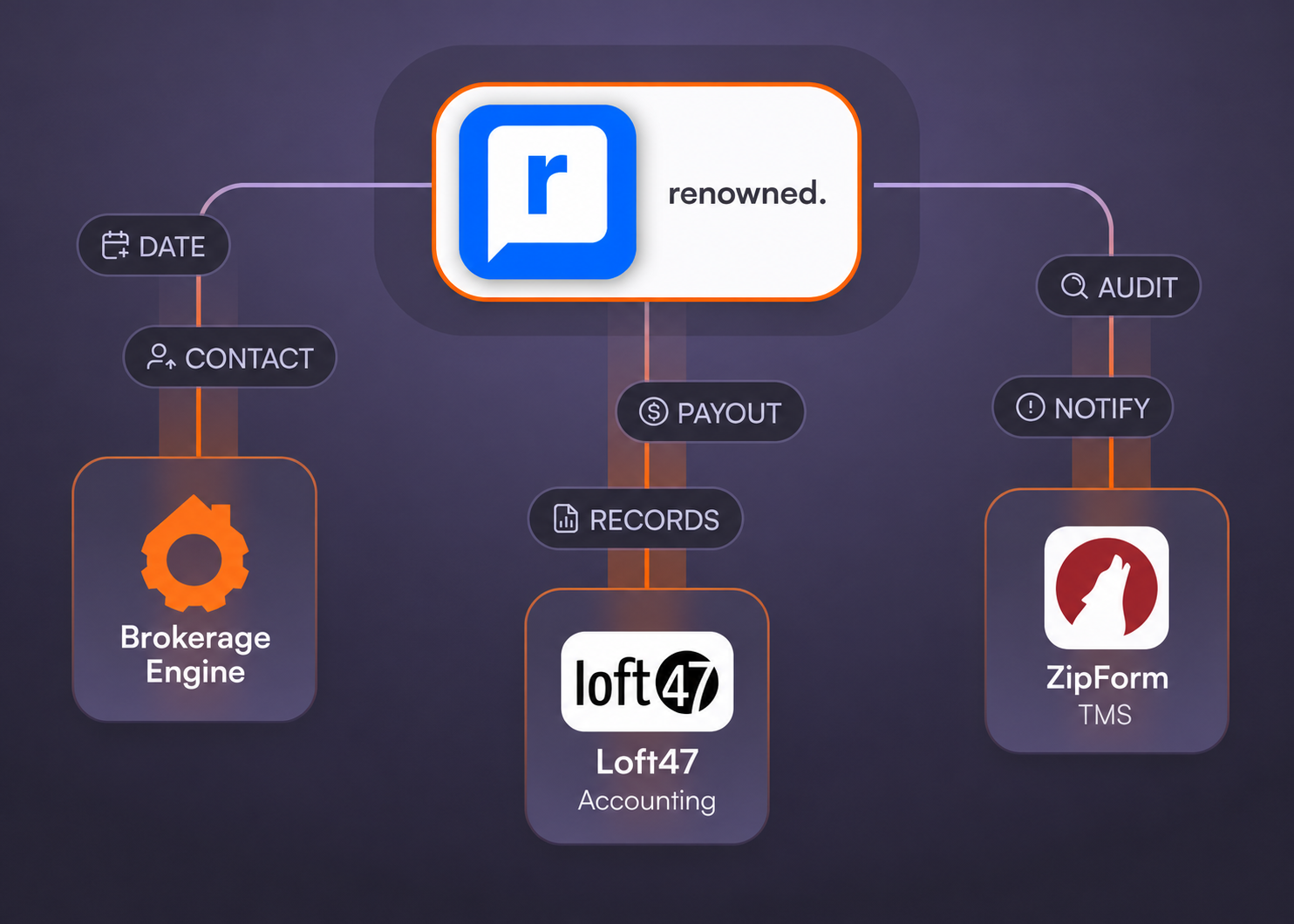
Complete, Review-Ready Contacts
Each synced transaction carries contact details for the seller, buyer, listing agent, co-list agent, buyer agent, and co-buyer agent. That helps Renowned request a review from the right person without relying on a manual send list or entering the data a second time.
One Live Connection
- API Nation checks each record before sending it, so only new or changed transactions reach Renowned, with no duplicates or manual cleanup.
- Connect once, and future closings flow through automatically while you use Renowned.
- API Nation maintains the connection as Renowned and your other systems evolve.
- You choose whether past closings sync, so review requests go only to the clients you want. Each sync can include previously closed transactions when you choose to include past closings.
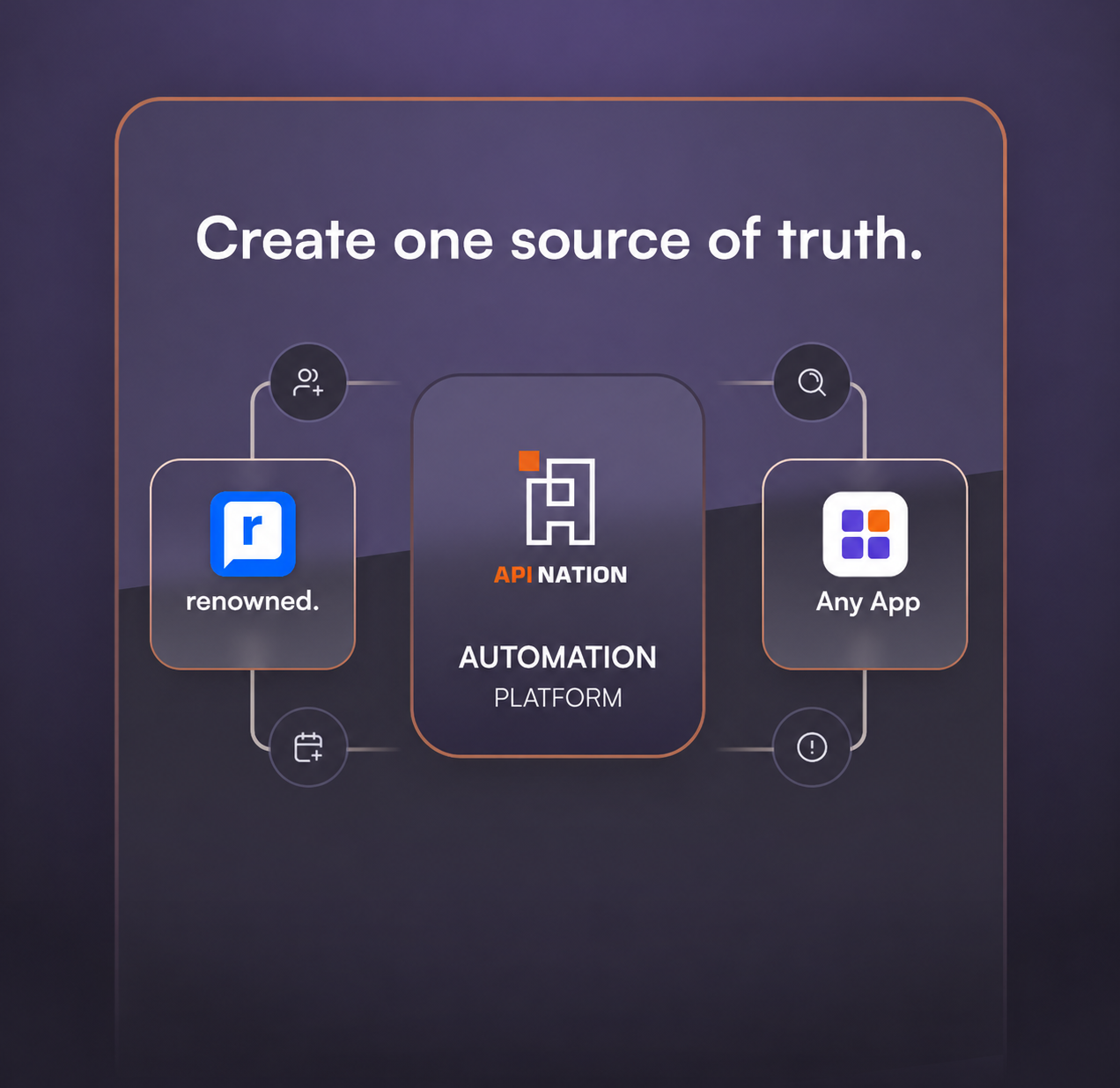
How API Nation Is Different

Built Exclusively for Real Estate
API Nation builds deep, field-level, bi-directional integrations designed specifically for real estate CRMs, transaction systems, back-office tools, and accounting platforms.
We do things for you
No coding. No DIY builders. API Nation handles consultation, use-case scoping, setup, testing, mapping, configuration, monitoring, and support.
Built for teams driving real estate forward
Setup Guides
Use the guides below to connect Renowned with the transaction platform you use:
Create an account in API Nation · SkySlope · Transaction Desk · Zipform · KW Command · Sisu · Loft47 · Brokerage Engine · Brivity · Follow Up Boss · All transaction platform guides
Ready to Automate Your Reviews?
Connect your transaction platform to Renowned and turn every closing into a review that helps you get found on Google and in AI search.

Frequently asked questions
Everything you need to know about the integration
Can you set this up for me?
Absolutely. As part of our Grow and Professional plans we can handle the implementation for you.
How many automations can I create?
There’s no limit to the number of connections and automations you can create with an API Nation subscription.
What happens if I would like to delete a contact?
In order to remove a contact entirely, you must delete it from both apps.
How often does it sync?
Most workflows fire as soon as data is changed or added in the trigger app. Select workflows automatically fire every 15 minutes or less on a schedule.
Need a Different Application?
Let us know what you’re trying to automate, and we’ll guide you to the right integration solution.