 PostcardMania
Direct mail connected to your real estate workflow
Build a direct mail plan around the contacts and property milestones you already track. API Nation’s planned PostcardMania integration is designed to connect your customer relationship management (CRM) or transaction management app to direct mail workflows. Welcome a new contact, follow up with a selected group, or plan a neighborhood mailing around a listing or sale. Availability depends on the app and workflow.
How the integration is designed to work
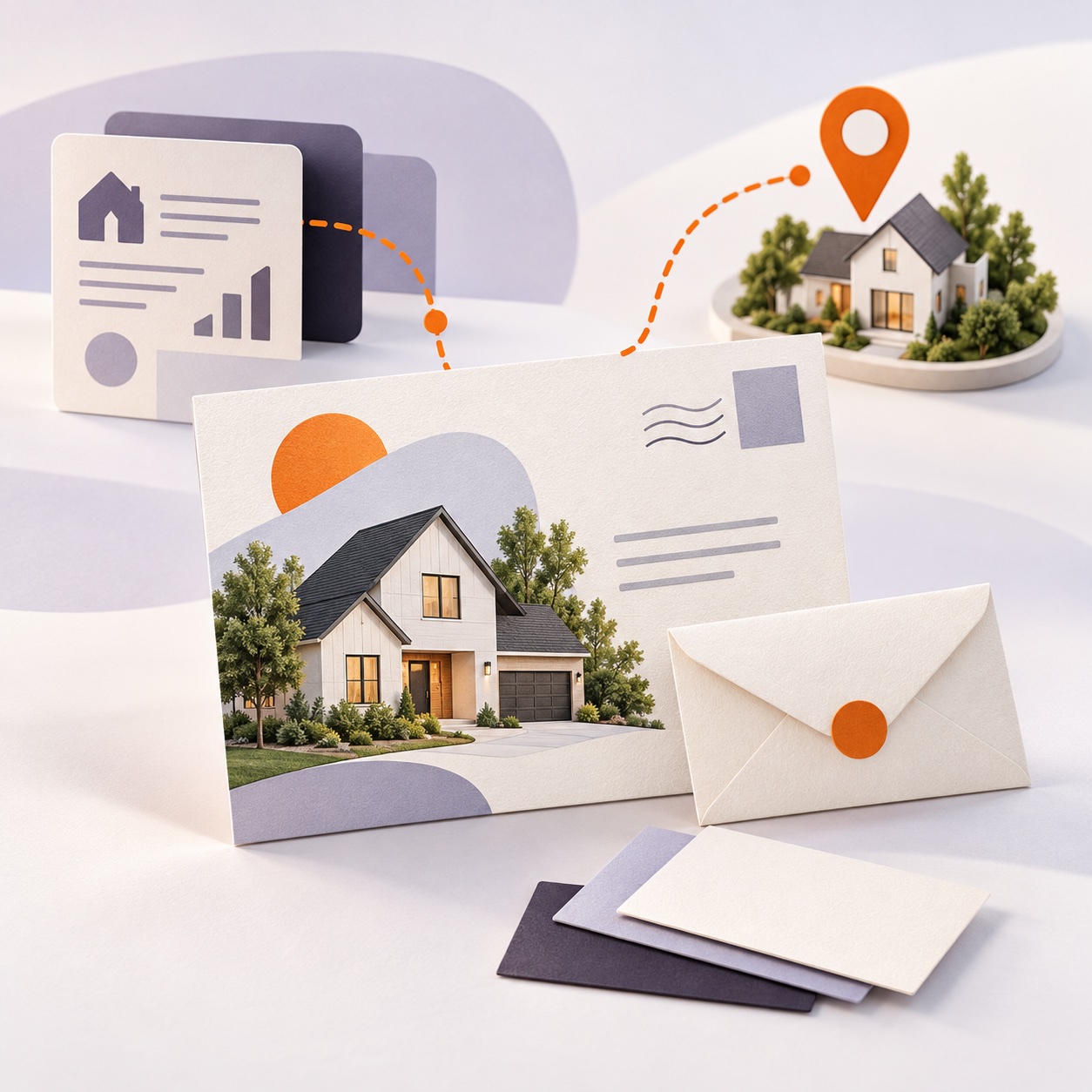
Connect a supported business app and a PostcardMania account through API Nation, then choose the mailing workflow and its settings.
1. Connect your accounts
Start with a supported business app and a PostcardMania account. Setup connects the two through API Nation.
2. Choose the mailing workflow
Select what starts it, such as a new contact, matching tag, or property milestone. For mail orders, choose the design and required mailing details. For repeat mail, select an existing campaign.
3. Let business activity guide the mail
When a record meets the workflow’s rules, its details are used to place the matching order or add a recipient to a campaign. Selected order, mail-tracking, and QR-code scan updates can return as notes in supported CRMs.
API Nation will provide integration support, implementation, and training for customers who subscribe through this partnership.
Practical ways to use direct mail

Welcome new contacts
Send a postcard when a new CRM contact is added. You can also send a postcard or letter to contacts with a selected tag. A separate tagged-contact workflow can add those recipients to an existing direct mail campaign.
Reach a neighborhood
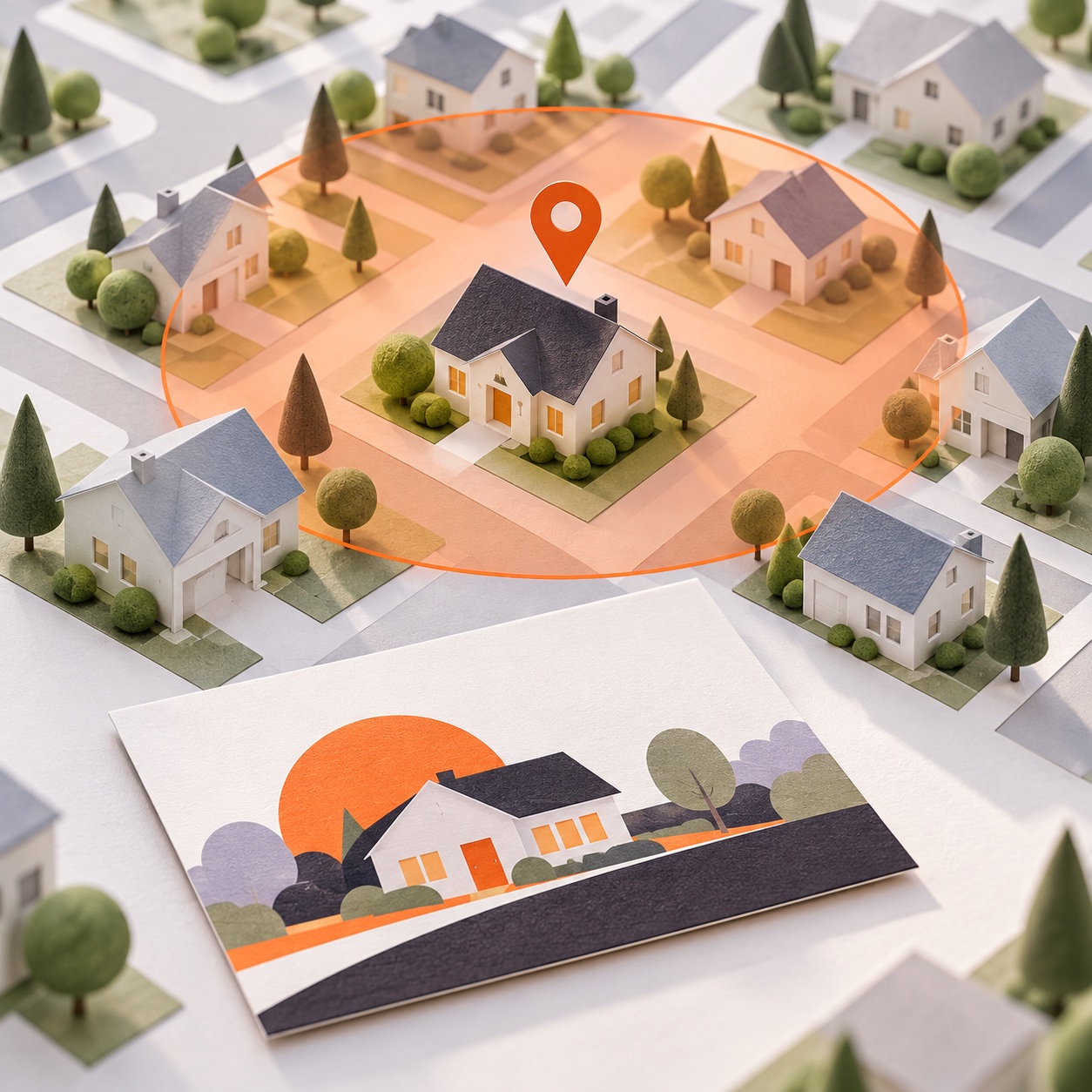
Promote a new listing or closed transaction with postcards to addresses within a selected radius or ZIP code. You can also recognize a closing with a congratulatory letter, or plan a nearby mailing when a contact reaches a closing stage.

Keep selected updates with the contact
Selected order, mail-tracking, and QR-code scan updates can return as notes alongside the contact record in a supported CRM. You can also add tagged contacts to a PostcardMania do-not-mail list.
A simpler routine for direct mail
These workflows are designed to reduce the need to re-enter contact and property details for each mailing. Rules based on tags and milestones can make follow-up more consistent. Returning selected updates to a supported CRM can also give your team more context before the next conversation. You choose the workflow and its settings. Your business app remains the starting point for the contact or property activity that triggers the mail.
Ask about your integration
Tell us which app you use and what you want to send. Ask about the workflow that fits your business, from new-contact postcards to listing announcements. Availability depends on the app and workflow.
Need a Different Application?